How to Send Push Notifications on a WordPress Website (and Why You Should Start Today)
Push notifications have quietly become one of the most powerful communication channels available to website owners. Unlike email or social media, they allow you to reach your audience instantly, directly on their device—even when they are not actively browsing your site.
If you run a WordPress website, implementing push notifications is no longer a complex, developer-heavy task. In this article, we’ll walk through what push notifications are, why they matter, and how you can start sending them on your WordPress site in less than a minute.
What Are Push Notifications?
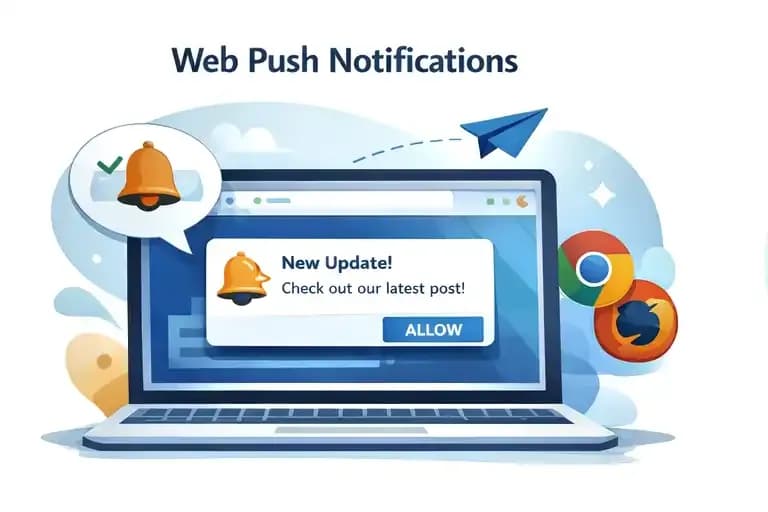
Push notifications are short, clickable messages delivered directly to a user’s device—either via a web browser (web push) or a mobile app. In the context of WordPress, we’re primarily talking about web push notifications, which appear on desktop or mobile browsers like Chrome, Firefox, or Edge.
A user visits your website and is asked whether they want to receive notifications. Once they agree, you can send them updates anytime—new articles, breaking news, promotions, or reminders.
Unlike email subscriptions, there’s no form to fill out, no inbox clutter, and no dependency on algorithms like in social media feeds. It’s a direct line to your audience.
Why Push Notifications Matter for WordPress Websites
Most WordPress websites rely heavily on search engines and social networks for traffic. While these channels are important, they are also unpredictable. Algorithm changes or ranking fluctuations can significantly impact your reach overnight.
Push notifications solve this by giving you owned distribution.
When someone subscribes to your push notifications, you gain the ability to bring them back to your site anytime. This has several important benefits:
- Higher return traffic – You can instantly notify users about new content.
- Better engagement – Notifications typically have higher visibility than emails.
- No dependency on third parties – You’re not relying on Facebook, Google, or email deliverability.
- Real-time communication – Perfect for breaking news, limited-time offers, or urgent updates.
For content-driven websites (like news portals, blogs, or magazines), push notifications can become one of the highest-performing traffic sources.
How Push Notifications Work (In Practice)
At a high level, the process is simple:
- A visitor lands on your website.
- They are prompted to allow notifications.
- Once they accept, their browser registers a unique subscription.
- You can later send messages to all subscribed users with a single click.
Behind the scenes, this involves browser APIs, subscription endpoints, and delivery services. Traditionally, setting this up required technical knowledge—handling service workers, managing subscriptions, and integrating with push providers.
Fortunately, WordPress plugins have simplified this dramatically.
The Traditional Approach vs. Modern Simplicity
Historically, implementing push notifications on WordPress involved multiple steps:
- Choosing a push provider
- Creating an account and configuring keys
- Embedding scripts into your website
- Handling service workers manually
- Building a UI for sending notifications
For many site owners, especially non-developers, this was a major barrier.
Today, modern tools eliminate almost all of this complexity.
The Easiest Way: Using a WordPress Plugin
The most practical way to add push notifications to WordPress is by using a dedicated plugin that handles everything for you—subscription management, delivery infrastructure, and user interface.
This is exactly where Pushblitz comes in.
Pushblitz is a SaaS platform designed specifically to make push notifications simple, scalable, and fair—especially for growing websites.
Introducing the Pushblitz WordPress Plugin
The official Pushblitz WordPress plugin is built with one goal in mind: make push notifications accessible to anyone, regardless of technical skill.
Installation and setup take less than a minute, and the entire process is designed to be as frictionless as possible.
Once installed, the plugin connects your WordPress site to your Pushblitz account and immediately enables push notifications without requiring any coding or manual configuration.
This means you can go from zero to sending your first notification in under 60 seconds.
What Makes Pushblitz Different?
Many push notification services follow a pricing model that penalizes growth. As your audience grows, costs increase—sometimes dramatically—based on the number of subscribers or notifications sent.
Pushblitz takes a fundamentally different approach.
Instead of charging you for how successful you are, it charges only based on the number of channels (websites or apps) you manage.
This means:
- You can have unlimited subscribers
- You can send unlimited notifications
- Your costs remain predictable as you grow
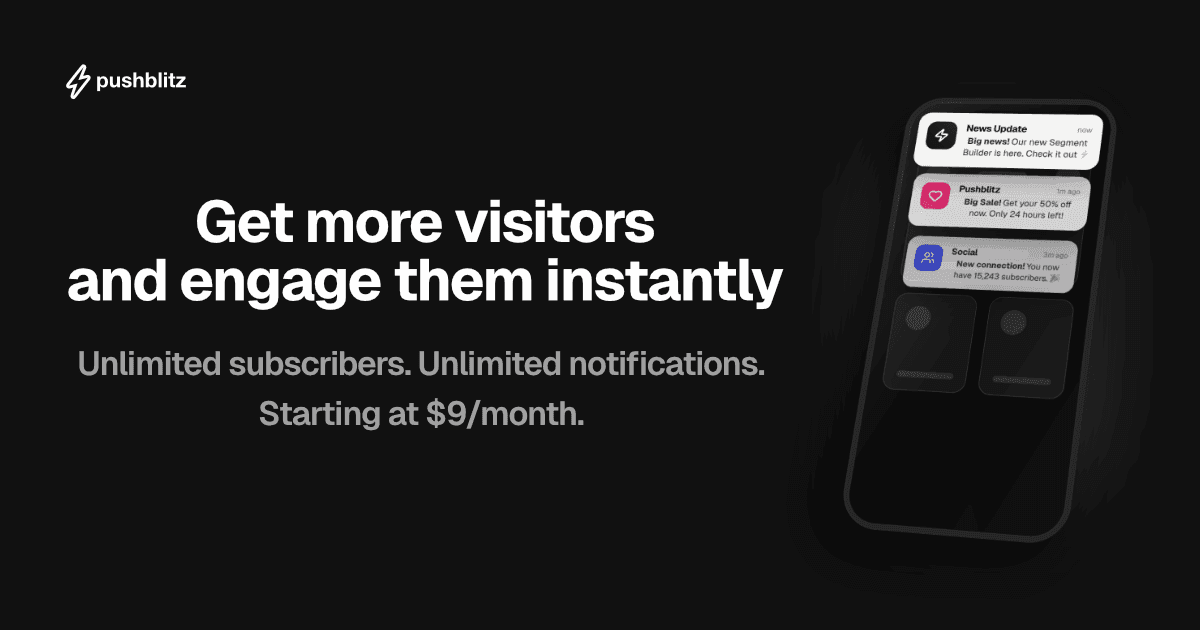
Plans start at just $9 per month, making it accessible even for smaller projects. On top of that, Pushblitz offers a 14-day free trial with no credit card required, so you can test everything risk-free.
This model is particularly powerful for publishers, media companies, and high-traffic websites—exactly the kind of projects where traditional pricing becomes restrictive.
How to Install Pushblitz on WordPress (Step-by-Step)
Setting up push notifications with Pushblitz is intentionally simple:
First, install the Pushblitz plugin directly from the WordPress plugin repository. Once installed, activate it like any other plugin.
Next, connect your website to your Pushblitz account. The plugin will guide you through this process—no API keys, no manual configuration, no code snippets.
Within seconds, your site will be ready to collect subscribers.
From that point on, you can start sending notifications either from the Pushblitz dashboard or directly from your WordPress environment, depending on your workflow.
When Should You Use Push Notifications?
Push notifications are especially effective in scenarios where timing and relevance matter:
- Publishing new articles or blog posts
- Breaking news updates
- E-commerce promotions or flash sales
- Content recommendations
- Re-engaging inactive users
However, it’s important to use them thoughtfully. Sending too many notifications can lead to users unsubscribing. The key is to deliver value—timely, relevant, and meaningful messages.
Best Practices for Better Results
To get the most out of push notifications, focus on quality over quantity.
Write clear, compelling messages that create curiosity or urgency. Use strong headlines, keep the message concise, and always link to something valuable.
Timing also plays a critical role. Notifications sent at the right moment—when your audience is active—perform significantly better.
Over time, you’ll learn what works best for your audience and can refine your strategy accordingly.
Final Thoughts
Push notifications are no longer an “advanced” feature—they are becoming a standard part of modern web publishing. For WordPress site owners, they represent a powerful opportunity to build a direct relationship with their audience and reduce dependence on external platforms.
What used to require technical expertise can now be done in under a minute.
With tools like Pushblitz, you don’t need to worry about infrastructure, scaling, or complex setup. You can focus on what actually matters: your content and your audience.
If you’ve been considering adding push notifications to your WordPress site, there has never been a better time to start.
Pushblitz Team
Sharing insights and updates from the Pushblitz team. Helping developers and publishers engage their audiences efficiently.